You can track the origin of scheduled interviews by adding a custom UTM source to the scheduling URL. This ensures that campaign or referral data is captured and visible in Hellohire’s reporting.
Q: How do we add a custom source to the scheduling URL so that it is tracked in the back-end?
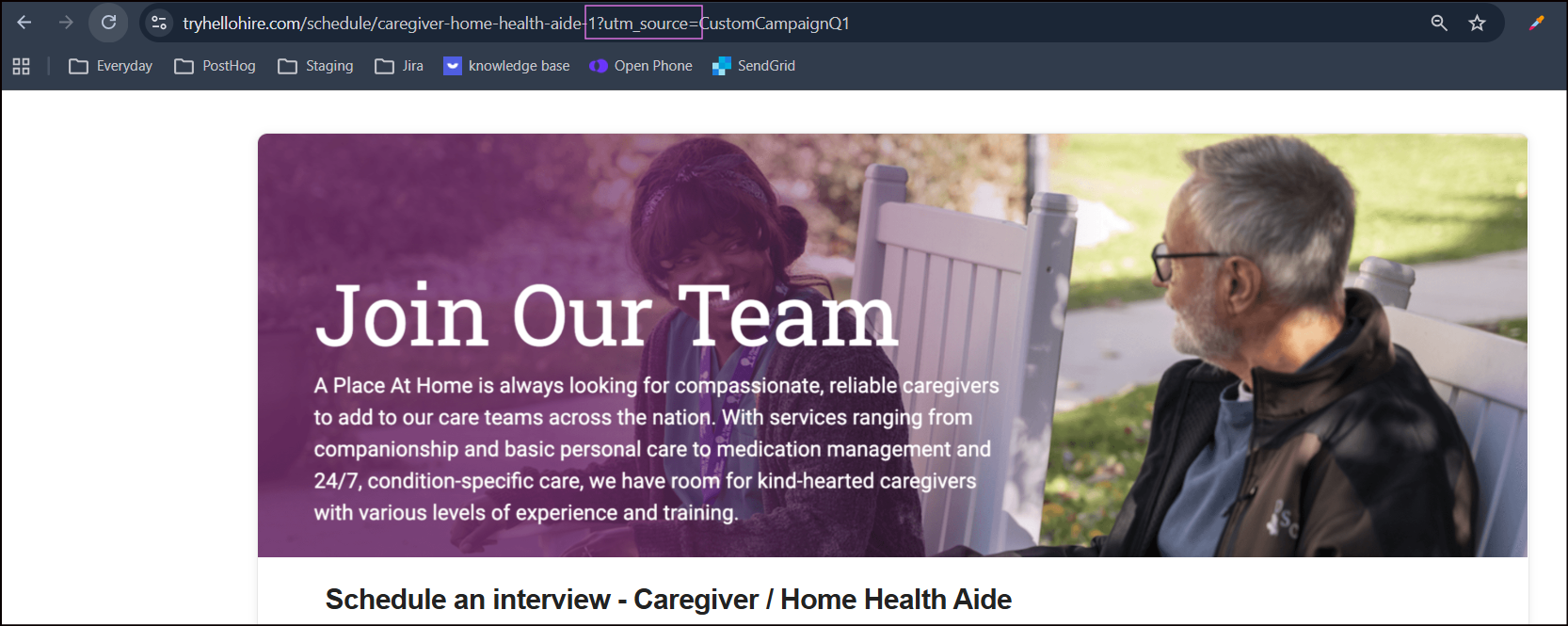
A: Append a UTM parameter to the scheduling link in the format: ?utm_source=
Example:
https://tryhellohire.com/schedule/caregiver-home-health-aide-1?utm_source=CustomCampaignQ1
Q: Where will this source information be visible in Hellohire?
A: The custom source will appear in the “Source” column of the stage-level report export. This allows you to track and analyze which campaigns or referral sources are driving scheduling activity.
Hellohire Support
Have questions or need assistance? We’re here to help! Feel free to contact us at support@tryhellohire.com.
Was this article helpful?
That’s Great!
Thank you for your feedback
Sorry! We couldn't be helpful
Thank you for your feedback
Feedback sent
We appreciate your effort and will try to fix the article