Turn on this option to allow candidates to contact you directly through a form on your scheduling page, making it easier for them to ask questions or request assistance without leaving the platform. Once enabled, you’ll need to provide an email address where all form submissions will be sent. This email is used solely for receiving candidate inquiries and will remain private—it will not be visible to candidates at any point.
Follow the steps below to configure these settings for a specific job.
Step 1: Log In to Your Hellohire Account
Go to https://www.tryhellohire.com and log in using your credentials.
Step 2: Navigate to the Jobs Section
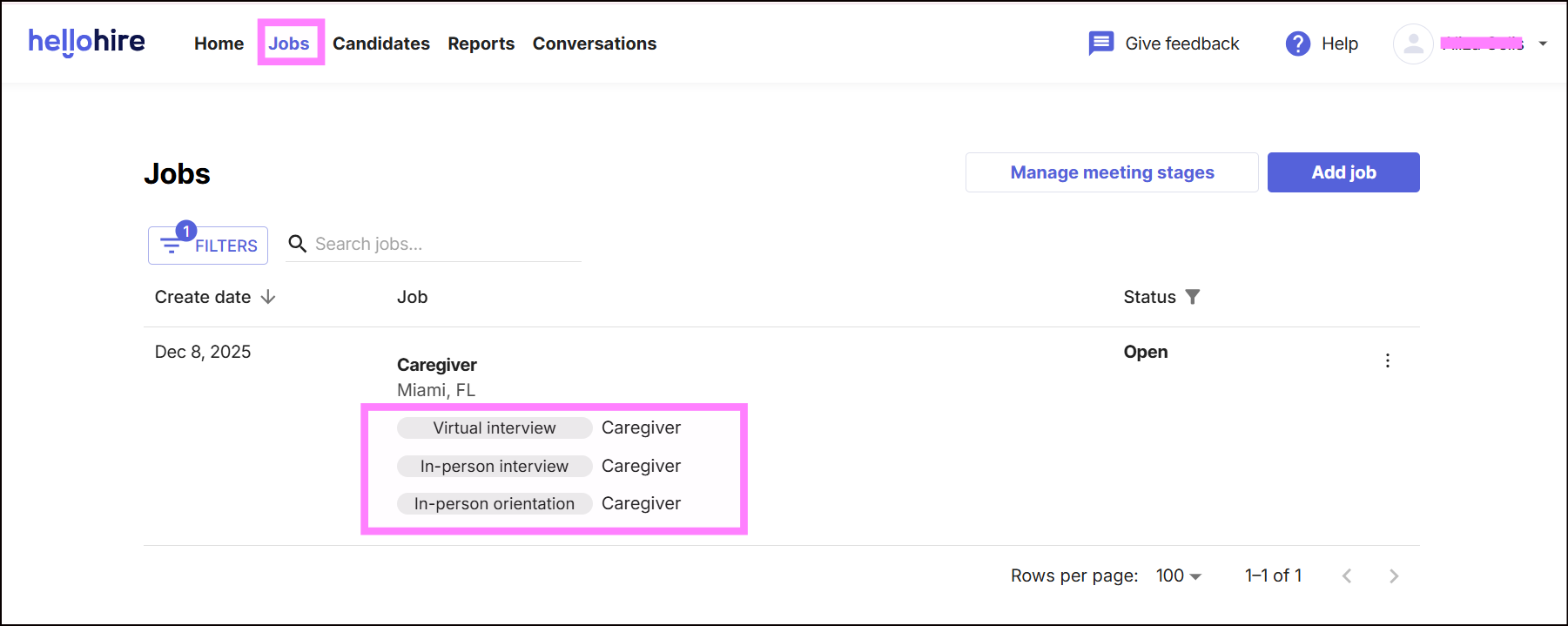
Click “Jobs” in the upper left corner of your screen.

Step 3: Select the Job
Choose the job for which you want to update the settings.
Step 4: Open the Settings Tab
Click on the “Settings” tab. From here, you can manage the following: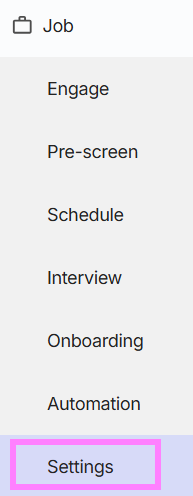
How to Enable the Contact Form?
1. Toggle the Contact Us form option to On.
2. Enter the email address where you'd like to receive form submissions.
Note: Your email will remain private and will not be visible to candidates.

Hellohire Support
Have questions or need assistance? We’re here to help! Feel free to contact us at support@tryhellohire.com.
Was this article helpful?
That’s Great!
Thank you for your feedback
Sorry! We couldn't be helpful
Thank you for your feedback
Feedback sent
We appreciate your effort and will try to fix the article