Hellohire partners with Allied Screening to provide background check services for home care organizations. Once the integration is activated, you can initiate background checks directly from Hellohire.
Step 1: Schedule a Consultation with Allied Screening
If you are a new Allied Screening client, start by scheduling a 20–30 minute consultation with their Solutions team.
During the consultation, Allied Screening will learn about your hiring process and determine which background screening services are appropriate for your organization.
Because screening requirements can vary by location and industry, the Solutions team can provide recommendations based on your specific needs.
Step 2: Select Your Background Check Services
After discussing your requirements, select the screening services you would like to use.
One of the most commonly selected packages by home care organizations is a nationwide criminal background check with county-level searches, starting at $28.95.
Other services may include:
Driving record searches, starting below $10
County-level criminal searches
Other background screening services based on your organization's needs
Note: Government fees may apply and can affect the final cost of a background check.
Step 3: Complete the Electronic Intake Form
Once you've selected the services you need, complete the electronic intake form provided by Allied Screening.
The information provided in the intake form will be used to configure your account and determine which services and integrations should be activated.
Step 4: Complete the Credentialing Process
Allied Screening will complete the required credentialing process.
This process typically takes a day or less, depending on the information provided.
Step 5: Review and Sign the Required Agreements
Once your organization has been credentialed and approved, Allied Screening will send you an electronic:
End User Agreement
Statement of Work
Review and sign the required documents to proceed with account setup.
Step 6: Set Up the Hellohire Integration
After the required agreements have been completed, Allied Screening will create and enable your account and activate the integrations requested during the intake process.
Please enter the ID Number provided by Allied Screening in the field within the Integrations menu in Hellohire to enable the integration. It will then be connected to your Hellohire account and tested to make sure it is working correctly automatically, and will be ready to use right away.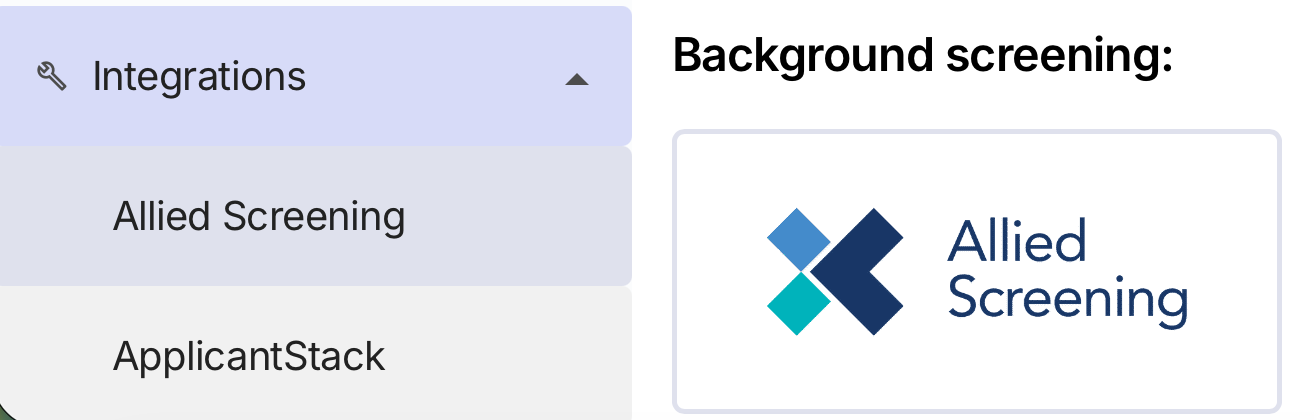
Step 7: Start Ordering Background Checks in Hellohire
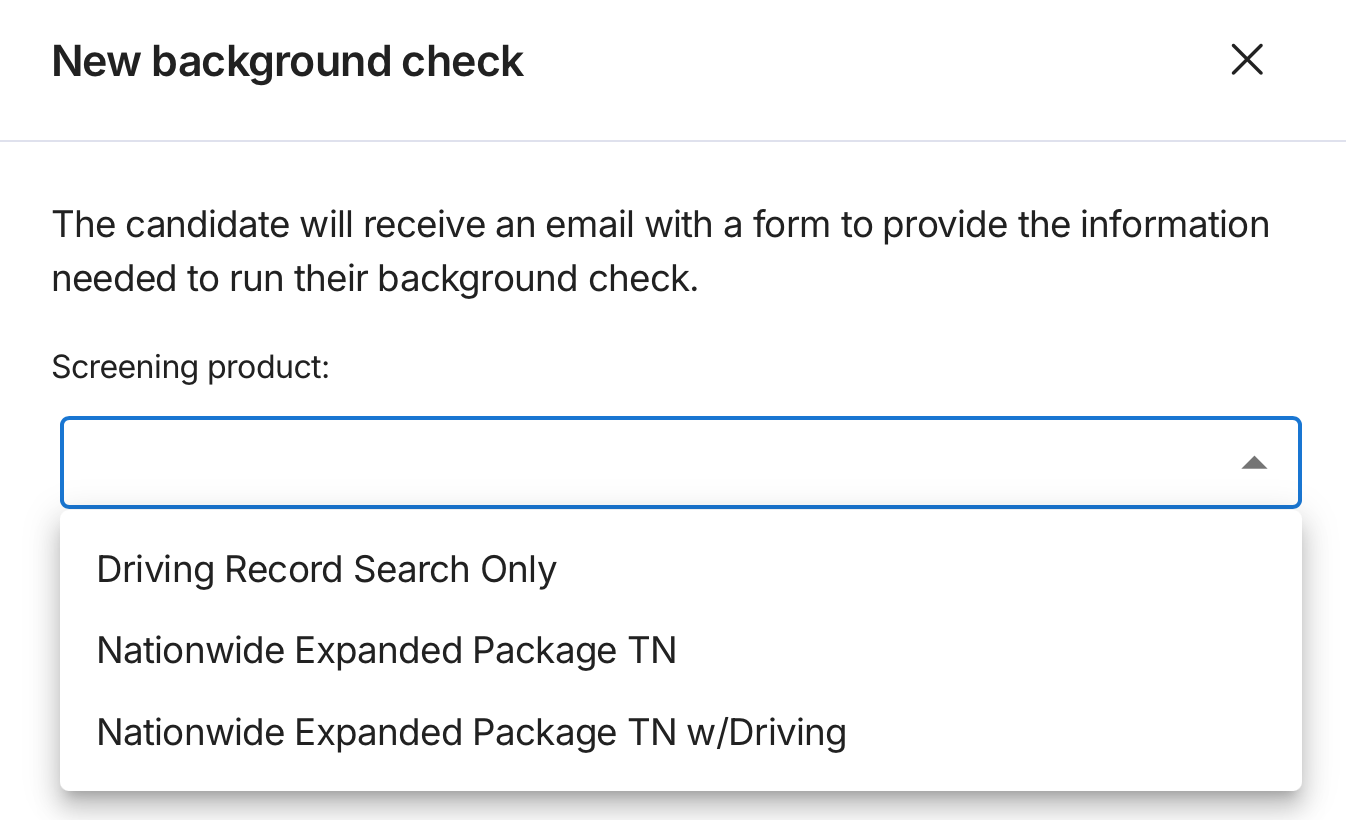
Once the integration has been confirmed, you can use the Background Checks feature within Hellohire to initiate screening requests for your candidates.
The integration allows you to submit background check orders and retrieve the results without having to manage the process separately from your Hellohire workflow.

Additional Details
How much does a background check cost?
Pricing depends on the type of screening and searches included. A commonly selected home care package—nationwide criminal background check with county-level searches—starts at $28.95. Driving record searches are available for less than $10.
Government fees are separate and may affect the total cost.
How long does setup take?
The credentialing process generally takes a day or less once the required information has been submitted. The overall setup time may vary depending on consultation, document completion, and integration requirements.
Can I see how the integration works before signing up?
Allied Screening may provide a demo account so prospective clients can see how easy it is to place an order and retrieve results through an integrated platform.
Hellohire Support
Have questions or need assistance? We’re here to help! Feel free to contact us at support@tryhellohire.com.
Was this article helpful?
That’s Great!
Thank you for your feedback
Sorry! We couldn't be helpful
Thank you for your feedback
Feedback sent
We appreciate your effort and will try to fix the article